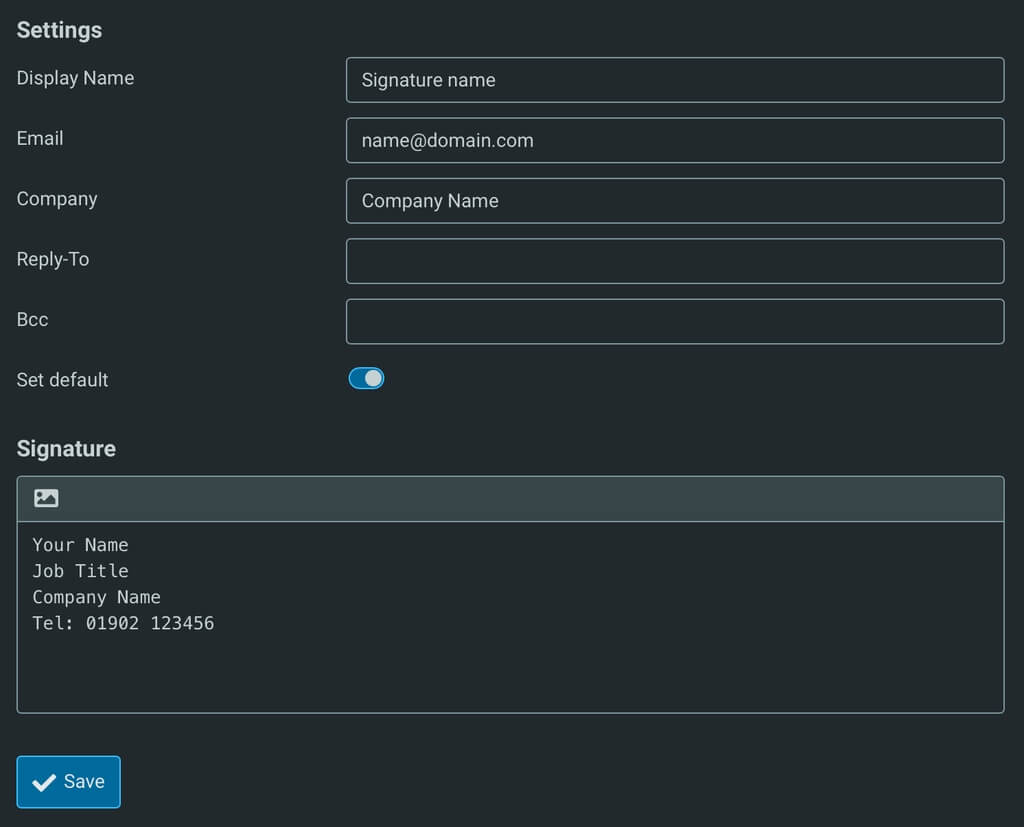
To create an Email signature that will be appended to all emails sent in Webmail:
- log into Webmail: https://stackmail.com
- Select ‘Settings’
- In the left column, select ‘Identities’
- In the next column along to the right select the email address for which you wish to create or edit a signature
- Fill in signature details as required as seen in the screenshot below
- Select the Save button