
To add a signature in the Outlook mobile app on your Android device you just need to follow these simple steps:
Open the Outlook app and go to the Outlook icon
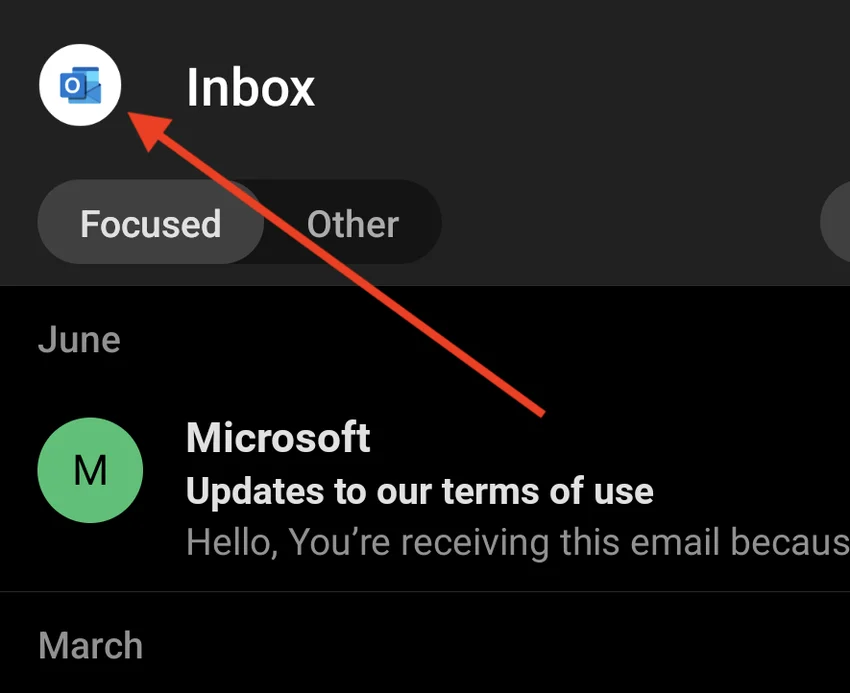
Select the Gear icon at the bottom-left corner of the column

Tap on your account and then tap Signature
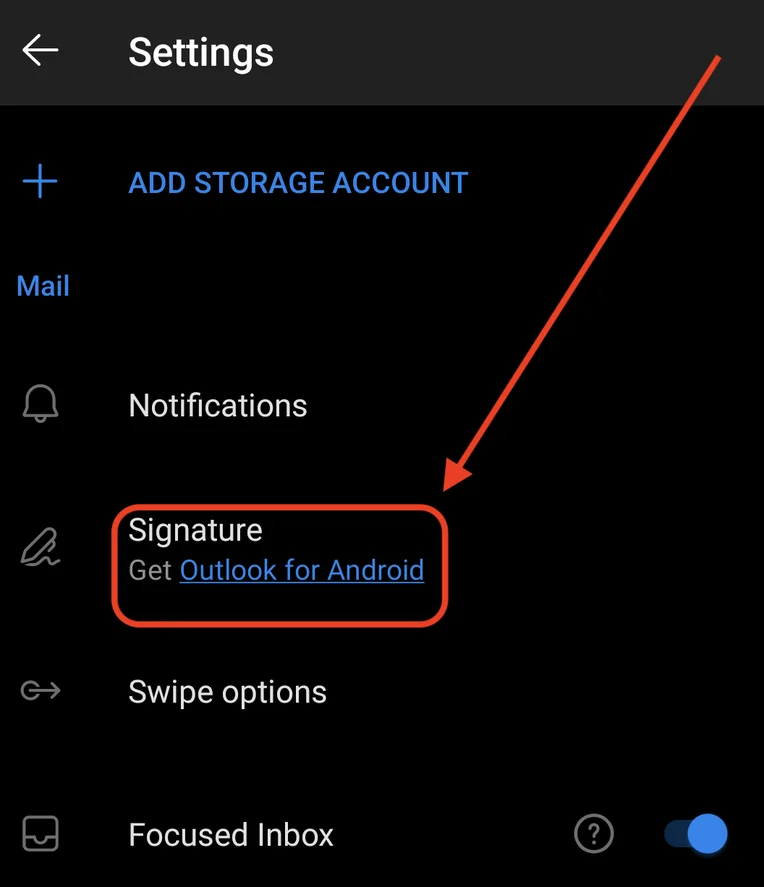
Enter the text and links you want to use as your signature and tap Done
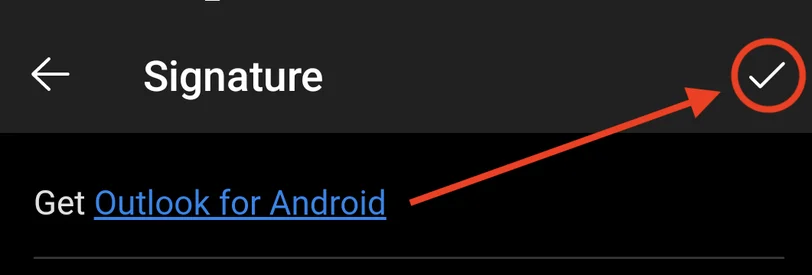
Your new Signature text will now appear at the end of your emails on your Android phone/tablet.
Original Source
https://www.hubspot.com/email-signature-generator/add-signature-outlook