
Table of Contents
If you use a third party email provider such as Office365 or Google Business Apps you will need to visit their online platforms to update your Email password.
Change your Password #
go to https://stackmail.com/
- login with your Email address and Password
- Once you are logged in select Settings
- From the Settings menu select Password
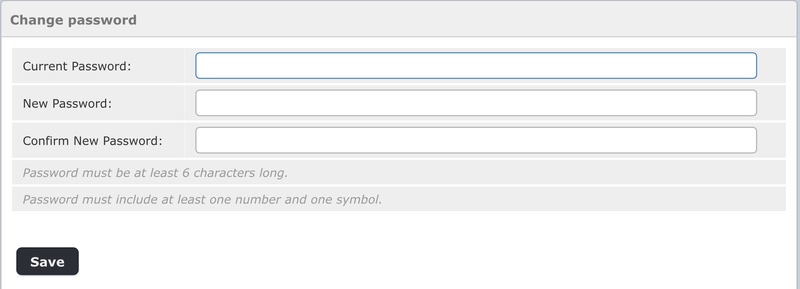
Within the Password section:
- Enter your Current Password
- and then the New Password you would like*
* your password must be a minimum of 6 characters and include at least 1 number and 1 symbol
Give the system 10-15mins to update before using your new password in your email applications
Update your Email Password in Email Apps #
Once you have updated your email password you will need to update any Email applications you are using.
Updating your Email Password in Microsoft Outlook #
You can view a walk-through on how to update Microsoft Windows Outlook and MacOS Outlook with your new password at:
https://clean.email/blog/email-providers/change-password-in-outlook